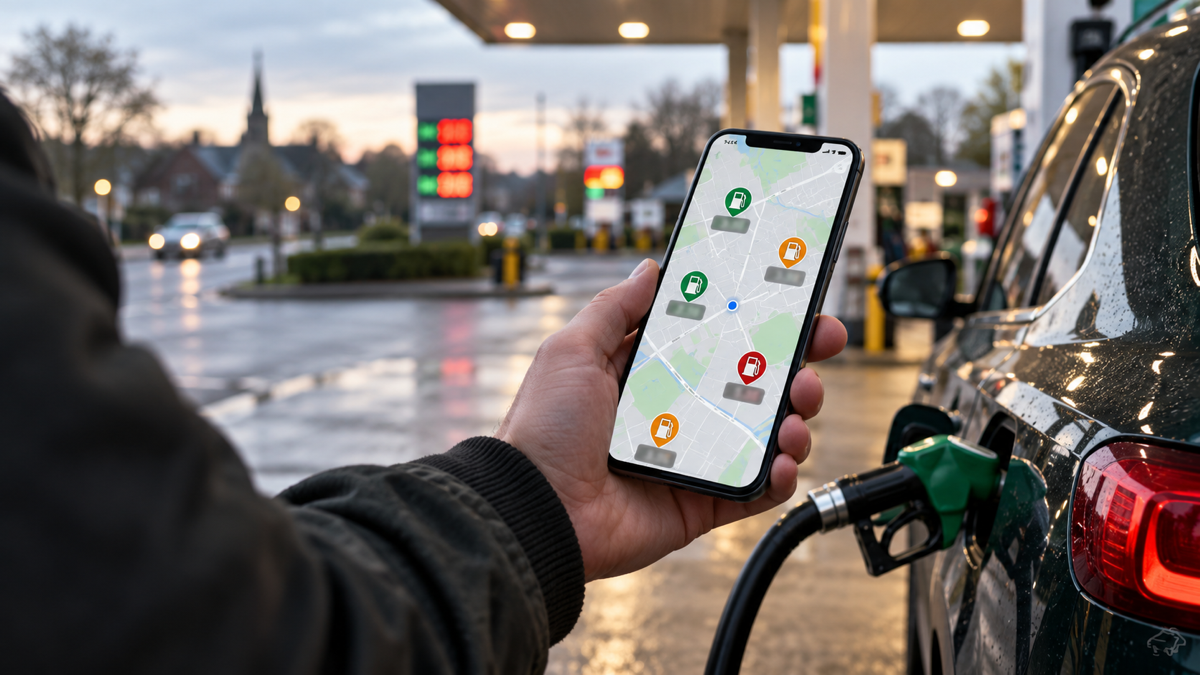
The quick comparison
| Service | Best for | Fuel Finder position | Platforms |
|---|---|---|---|
| Motorbook | Fuel prices with MOT, tax and service records | Uses the official feed | iPhone and iPad |
| Google Maps | Finding fuel as part of a mapped journey | UK integration announced 8 October 2026 | iPhone, Android and web |
| Waze | Driver-focused navigation and community reports | Official UK feed plus community editing | iPhone and Android |
| PetrolPrices | Station reviews and community detail | Named by government as a publisher | Mobile app |
| FindPetrol | A quick browser search without an app | States that it uses the official feed | Web |
Why the underlying data is no longer the whole contest
Fuel Finder requires UK forecourts to report price changes. The government has named a growing group of apps and websites publishing those prices. Google also says UK fuel prices in Google Maps and Waze now use Fuel Finder.
Products can still differ because of refresh schedules, filtering, temporary errors, station matching and how they display timestamps. A useful comparison should inspect those differences instead of treating access to the feed as a unique feature.
Motorbook: best for the whole car
Motorbook combines nearby petrol and diesel prices with MOT and tax dates, reminders, MOT history, service records and running costs. Fuel prices show how fresh each record is, which stations are open and whether a cheaper option may be worth the drive. Two vehicles are free, there are no adverts and no account is required.
The trade-off is platform coverage. Motorbook is currently on iPhone and iPad. It is not the right recommendation for an Android-only household, and it does not replace turn-by-turn navigation.
Google Maps: best for familiar route planning
Google Maps now shows UK Fuel Finder prices on the map. Its advantage is context: drivers can inspect a station while planning a trip and continue directly into navigation. It is the natural choice when avoiding another specialist app matters more than keeping vehicle records together.
Waze: best for driver-focused navigation
Waze combines navigation, community road reports and UK Fuel Finder prices. Community members can still confirm or edit fuel prices, so it offers a different interaction model from a read-only price table.
Older comparisons describing UK Waze prices as only crowd-sourced are now out of date. Google announced the Fuel Finder integration on 8 October 2026.
PetrolPrices: best for station reviews
PetrolPrices offers map and list views, fuel and brand filters, station reviews and user price reporting. Its App Store listing also describes MOT reminders and a vehicle garage. Drivers should check the latest account, advertising and privacy experience because those details can change more quickly than the core feature list.
FindPetrol: best for a no-download lookup
FindPetrol is a website rather than a native app. It is quick, requires no account for price searches and offers useful town, brand and regional comparisons.
Its own “best apps” article is less complete than its title suggests: it mainly promotes FindPetrol, discusses Waze and brand apps, and does not publish an app-by-app test or scoring table. That does not make its price tool less useful, but it is why this comparison separates product facts from publisher opinion.
Is a cheaper station worth the detour?
The cheapest displayed price is not always the cheapest decision. This calculator runs entirely in your browser and subtracts the estimated fuel used for the extra return mileage.
Net fuel saving calculator
Break-even amount: 19.8 litres.
How we judge fuel-price tools
For repeat tests, Motorbook will use the same urban, market-town and rural locations, record each product's coverage and timestamp, compare displayed prices with the corresponding Fuel Finder record, and repeat a smaller sample seven days later. Raw observations should be published alongside any numeric score.
For this edition, the verdicts are based on verifiable product features and current official announcements. We do not pretend that a feature comparison is the same as a completed field benchmark.
Our verdict
Choose Motorbook if you use an iPhone and want fuel prices alongside MOT, tax, servicing and running costs without an account or adverts. Choose Google Maps or Waze if navigation is the priority. Choose FindPetrol for a fast browser answer, or PetrolPrices if station reviews and community information matter most.
Whichever service you use, check the timestamp, confirm the price displayed at the pump and avoid driving farther than the saving justifies.
Frequently asked questions
Which UK fuel price app has the freshest data?
Services using Fuel Finder start from the same retailer-reported feed. Check each service's refresh time, filters, station coverage and displayed timestamp rather than assuming one is always freshest.
Is Motorbook available on Android?
No. Motorbook is currently on iPhone and iPad. Android drivers should choose a cross-platform alternative.
Is the cheapest petrol station always worth driving to?
No. Compare the pump saving with the fuel used for the extra return mileage, then consider the time added.
Sources checked 16 October 2026
Motorbook is independent and is not affiliated with DVLA, DVSA or GOV.UK. Fuel prices can change after publication. Confirm the price at the pump.